Program Template
| Feature / Field | Audit Manager | Audit Partner | Audit Staff | Notes |
|---|---|---|---|---|
| Audit Task Edit Button | Visible | Visible | Hidden | |
| Audit Task Delete Button | Visible | Visible | Hidden | |
| Audit Program Template Save Button | Visible | Visible | Hidden |
Use Case:
Program Templates are used to add programs to your audit file. You can use the programs from your created Program Template.
Let’s see how you can create your Program Templates
Create Program Template
Step 1: Fill out Basic Info
Note: The Title should be unique to ensure proper identification of the program template.
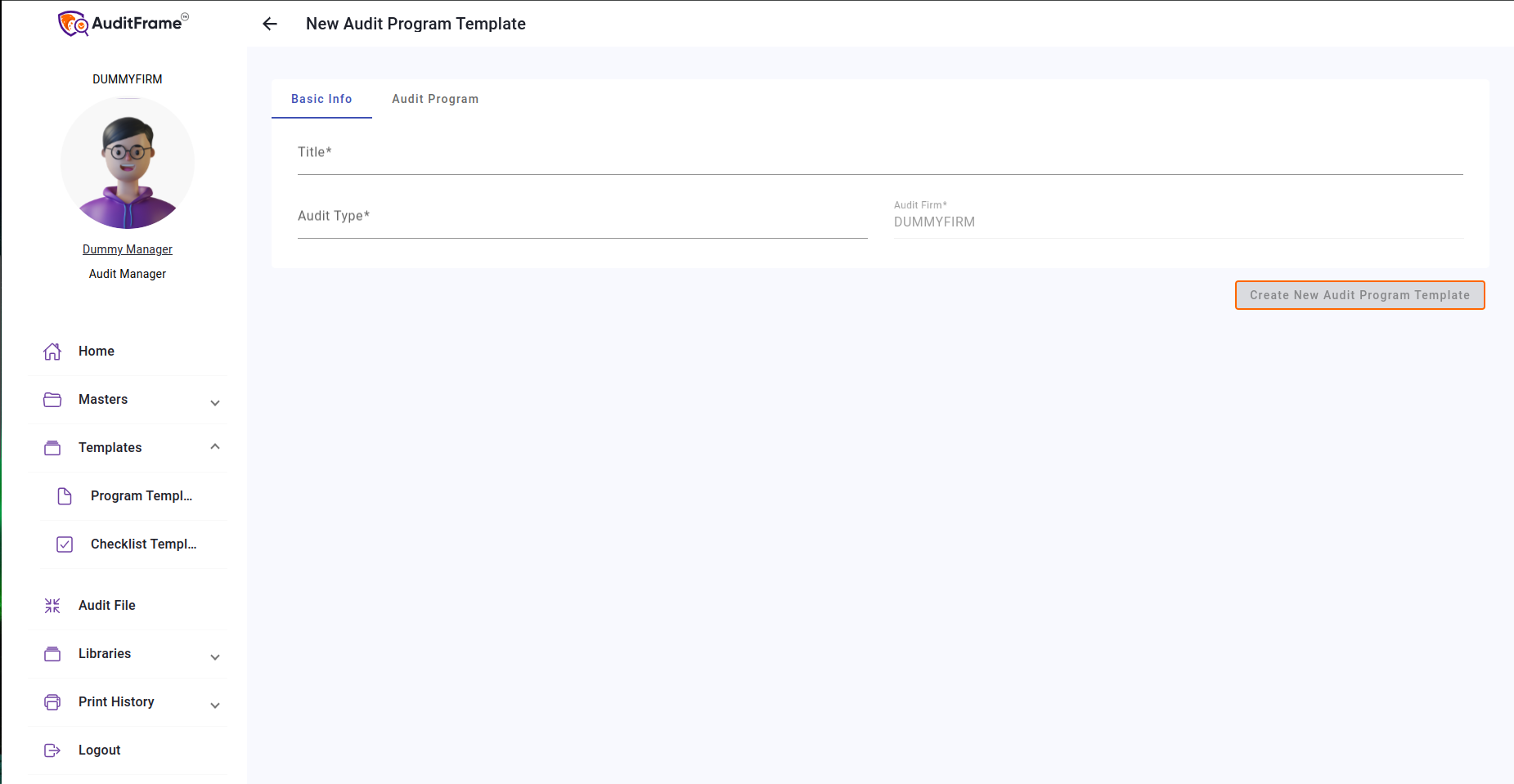
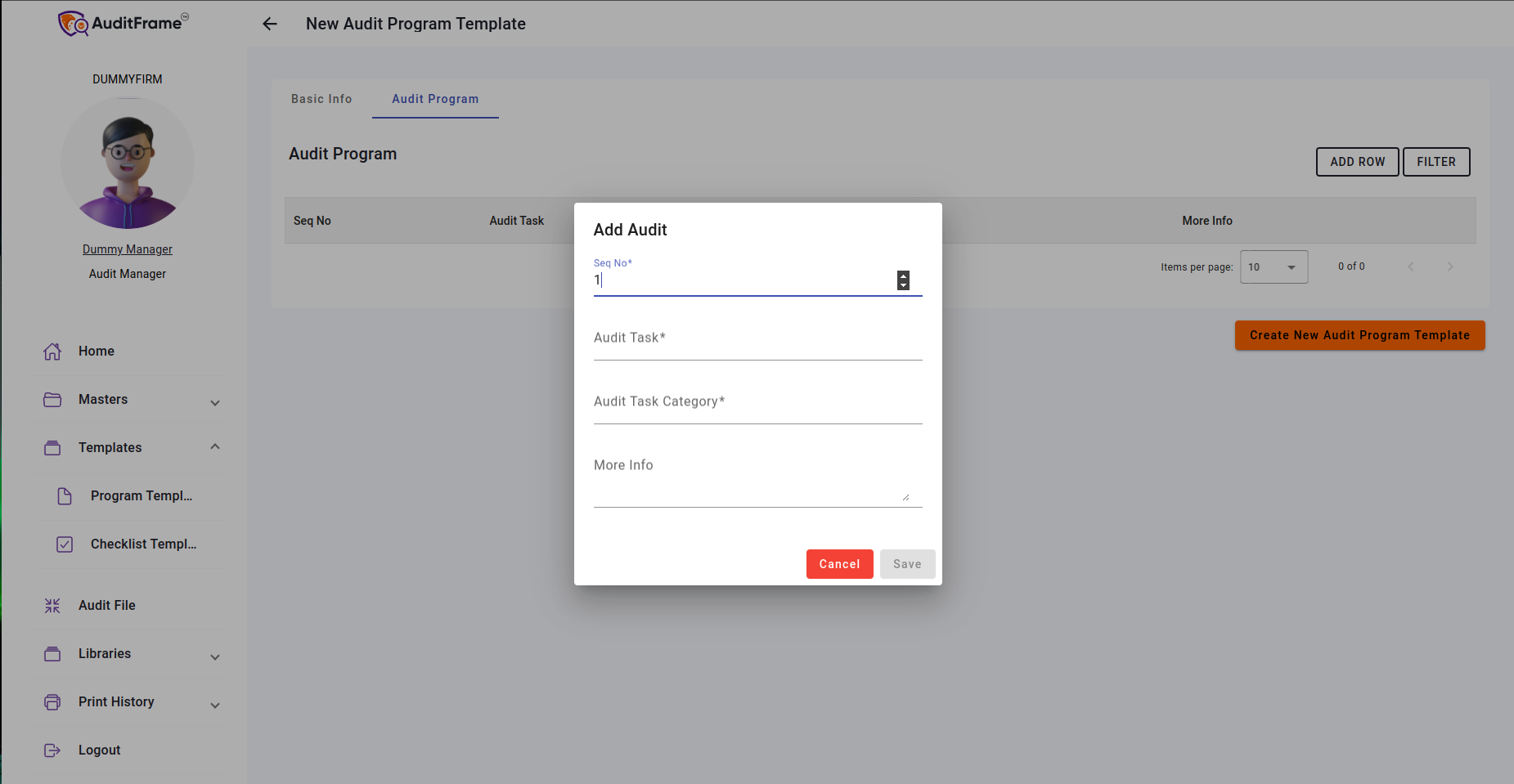
Step 2: Add Audit Program
Note: At least one Audit Program must be added to the Program Template for it to be valid.
AI Curator
In this user can generate audit program using ai just copy prompt and past it in claude.ai and paste received response in chat response below and click proceed response it will auto populate table with the response.
Note: Table needs to be empty add using prompt.

Button and it's Purpose
| Button | Purpose |
|---|---|
| Duplicate | Create New Template with Audit Program of Current Template |