Sanctioned Entities
Sanctioned Entities
Note: Only Partners can make changes.
Creating Sanctioned Entities
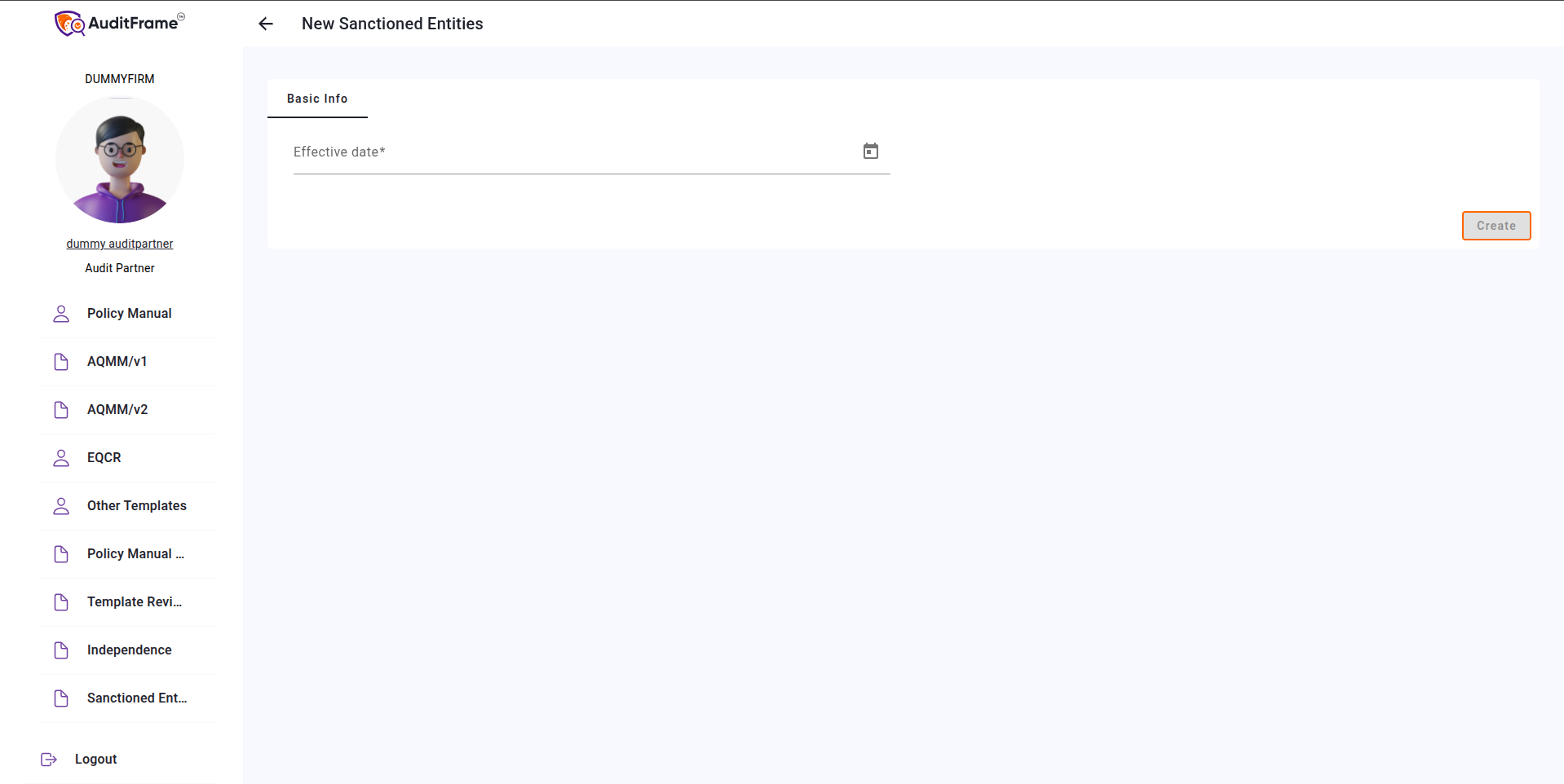
To create a new entry, click on New from the list view, fill in the required data, and click the Create button.
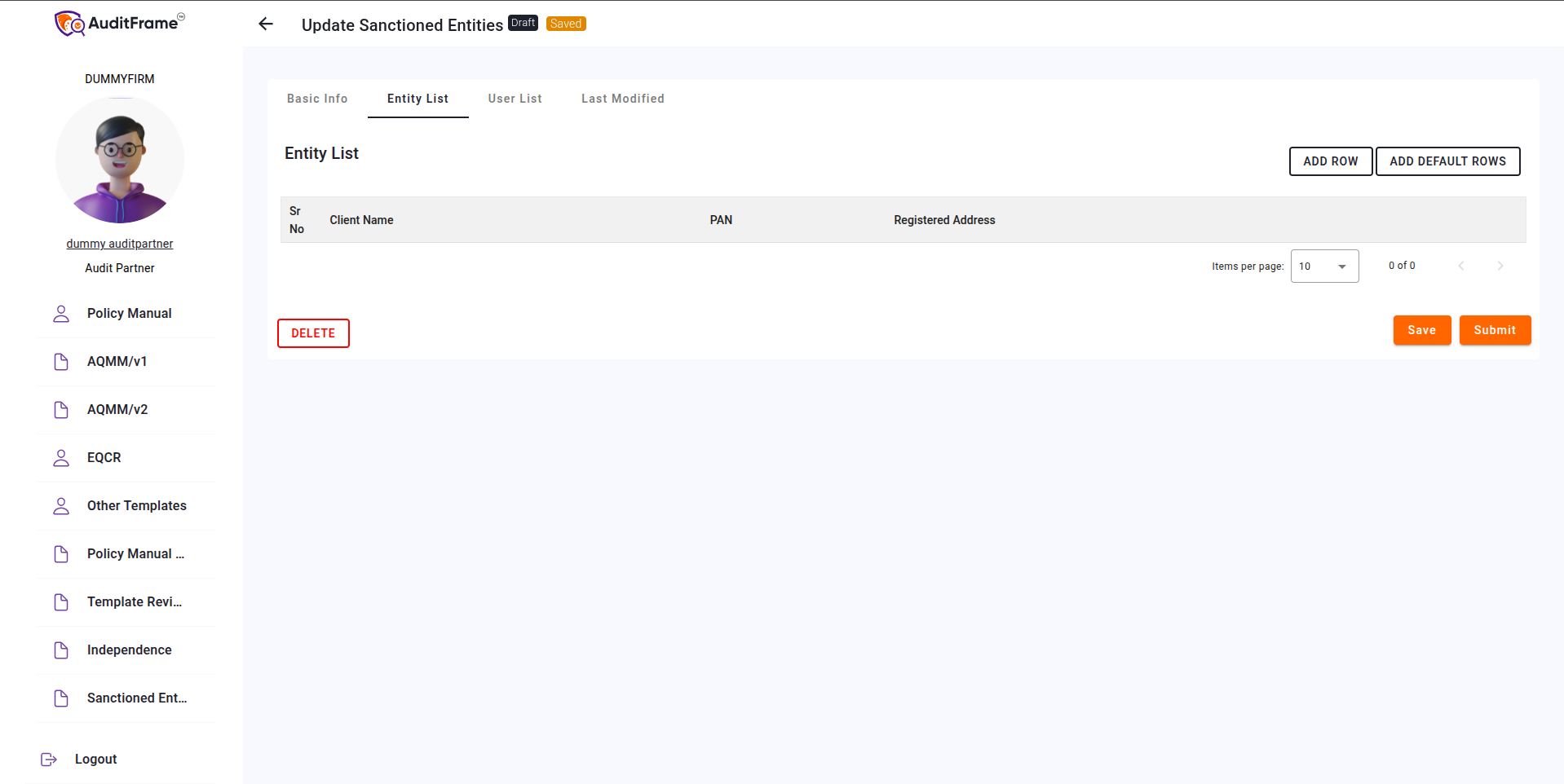
Entity List
To add all clients at once, click the "Add Default Row" button. This will automatically
fetch and add all available clients to the table.
Additional entities can be added by clicking the "Add Row" button.
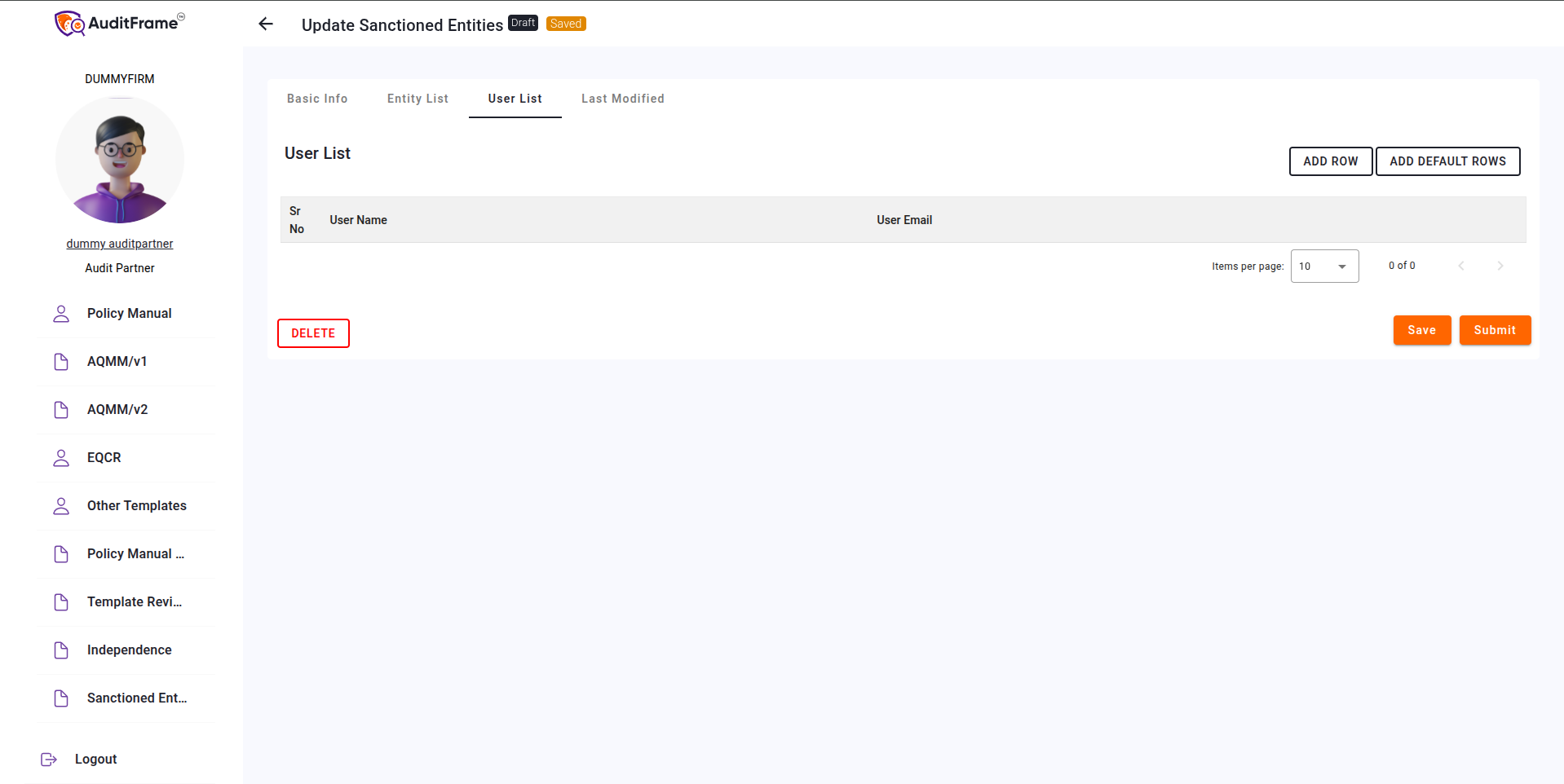
User List
To add all users, click the "Add Default Row" button. This will automatically fetch and add
all available users to the table.
Additional users can be added by clicking the "Add Row" button.
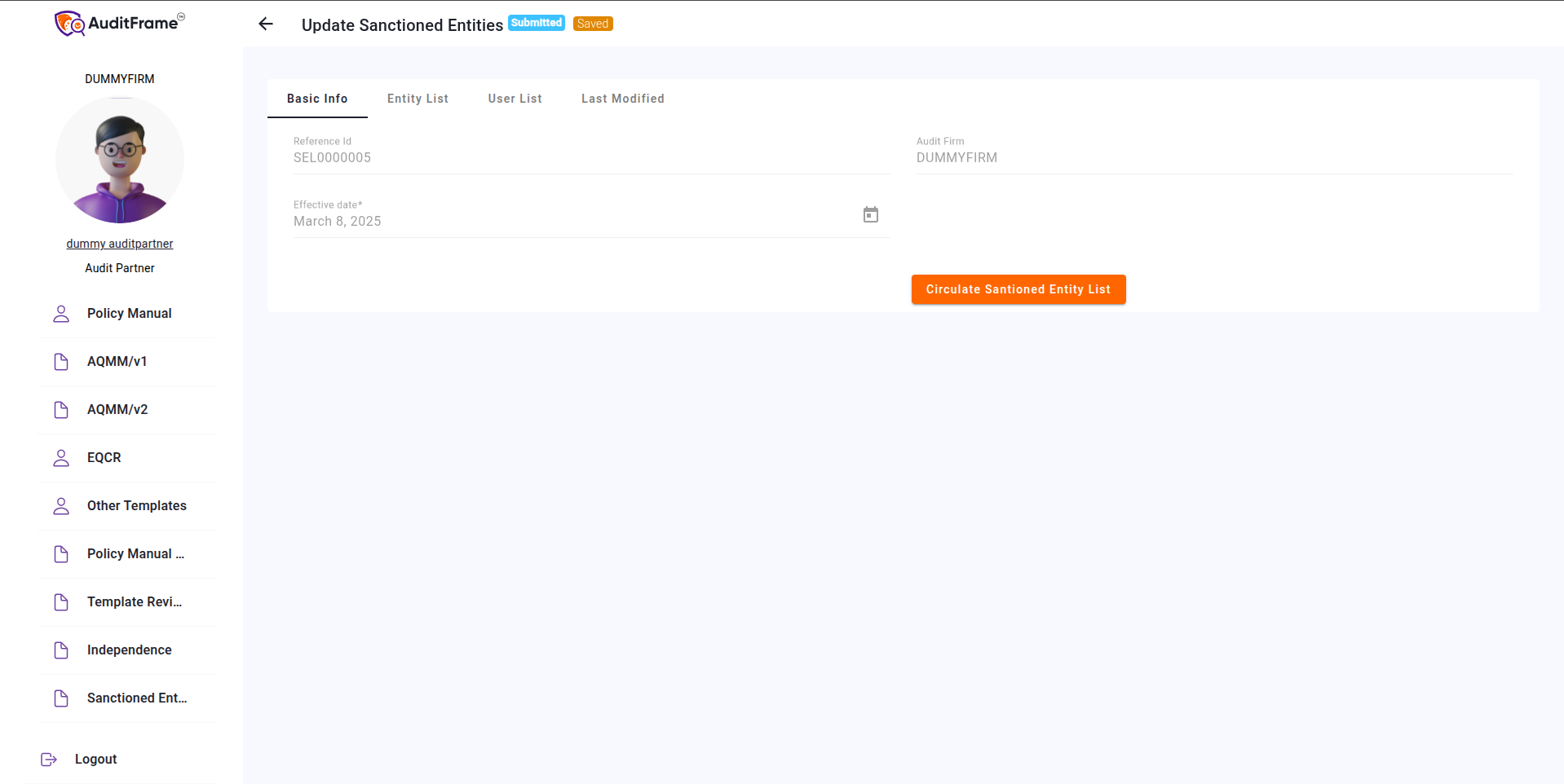
Circulating Sanctioned Entities
To circulate the sanctioned entities, first click the "Submit" button. Ensure that both
tables (Entity List and User List) are not empty, as the submission will not be successful if either table
is empty.
After submission, the "Circulate Sanctioned Entities" button will become visible. Click
this button to circulate the entities.
All users in the User List will receive the entity list via their respective email addresses.
Error You May Get
| Error Message | Remedial Action |
|---|---|
| Duplicate PAN found: {PAN}. Each PAN must be unique. | Ensure that each entity has a unique PAN. Remove or correct duplicates. |
| Duplicate Email found: {EMAIL}. Email must be unique. | Verify that all user emails are unique. Update or remove any duplicates. |
| User List Cannot be Empty While Submitting | Add at least one user to the list before submitting the form. |
| Entity List Cannot be Empty While Submitting | Add at least one entity to the list before submission. |
| Invalid PAN Structure entered. Please check the PAN No Structure you have entered. | Review and correct the PAN format according to official guidelines. |