EQCR
Engagement Quality Charter Review
Note: Only Partners are authorized to make changes.
Creating an Engagement Quality Charter Review
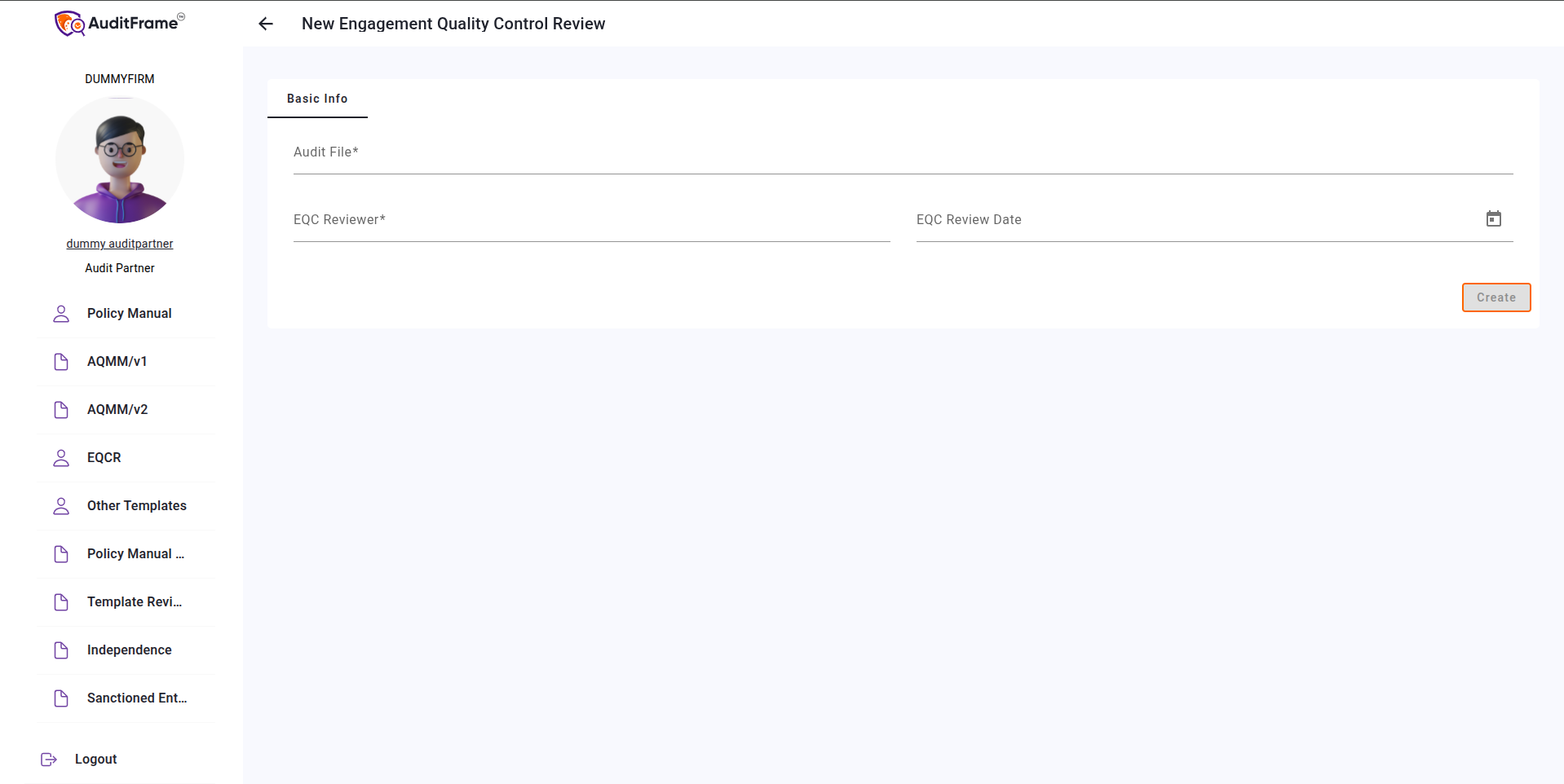
To create a new Engagement Quality Charter Review, click on New from the list view. Fill in the required fields and click the Create New Engagement Quality Charter Review button to complete the process.
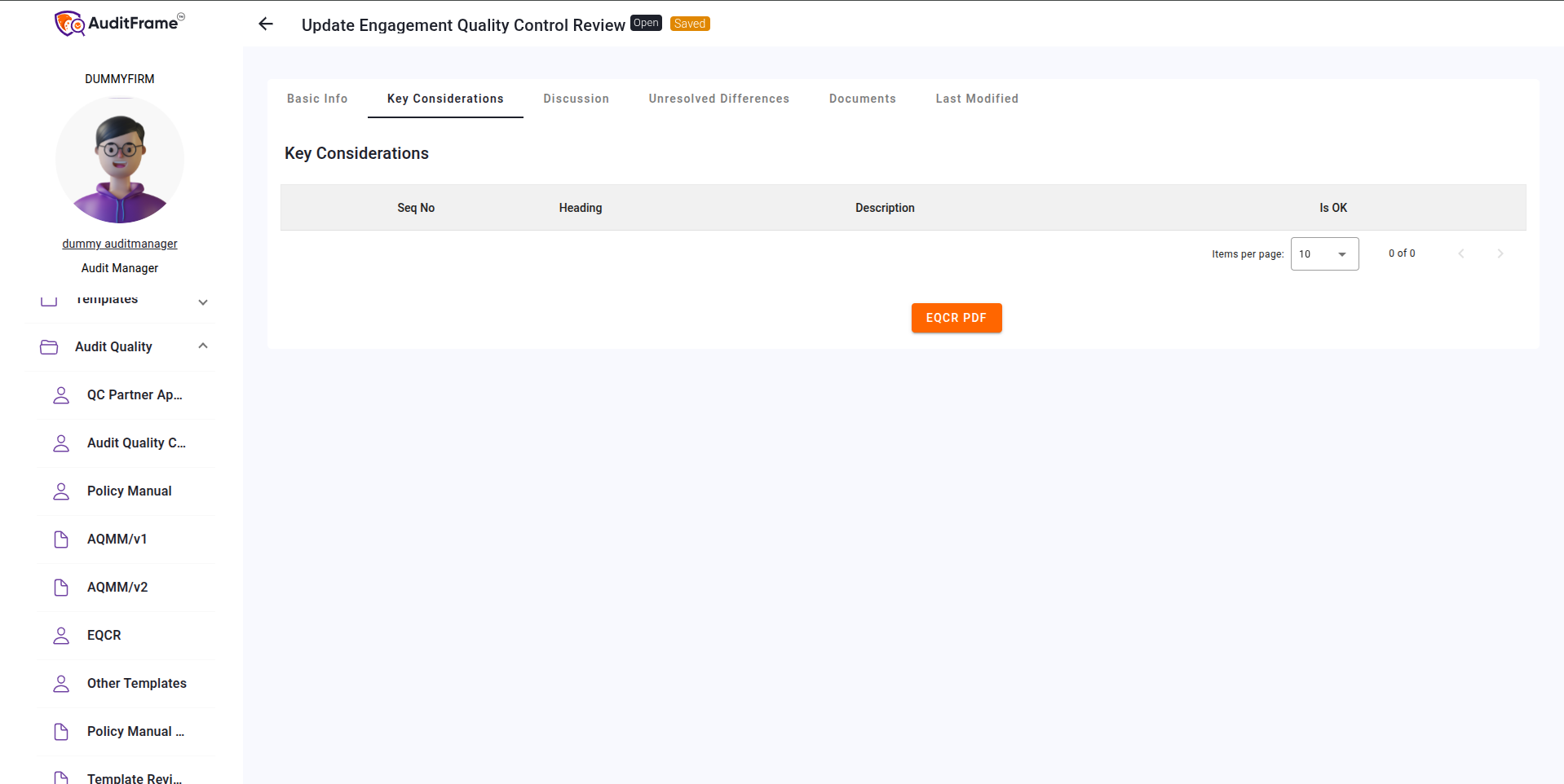
Key Considerations
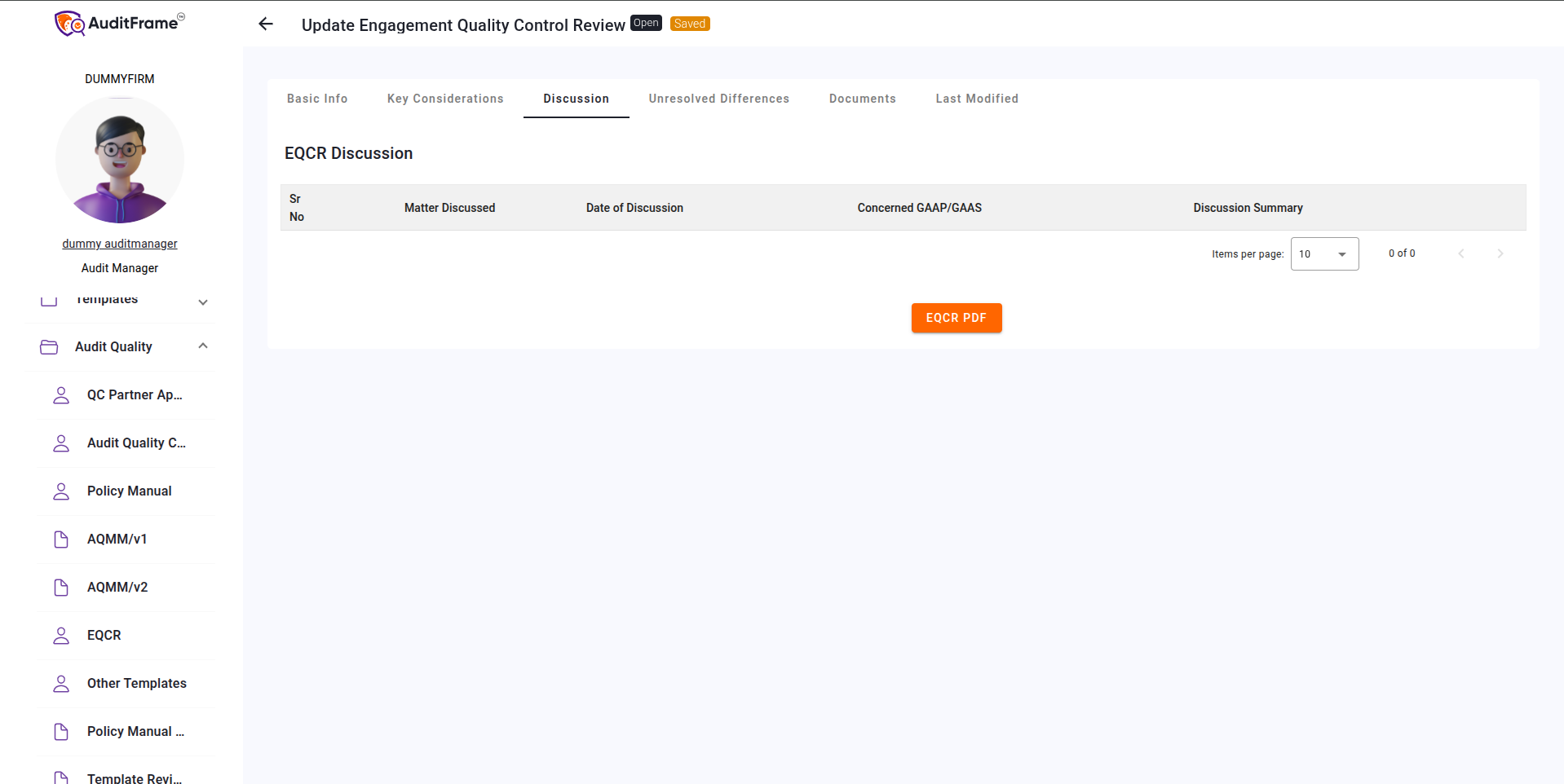
Discussion
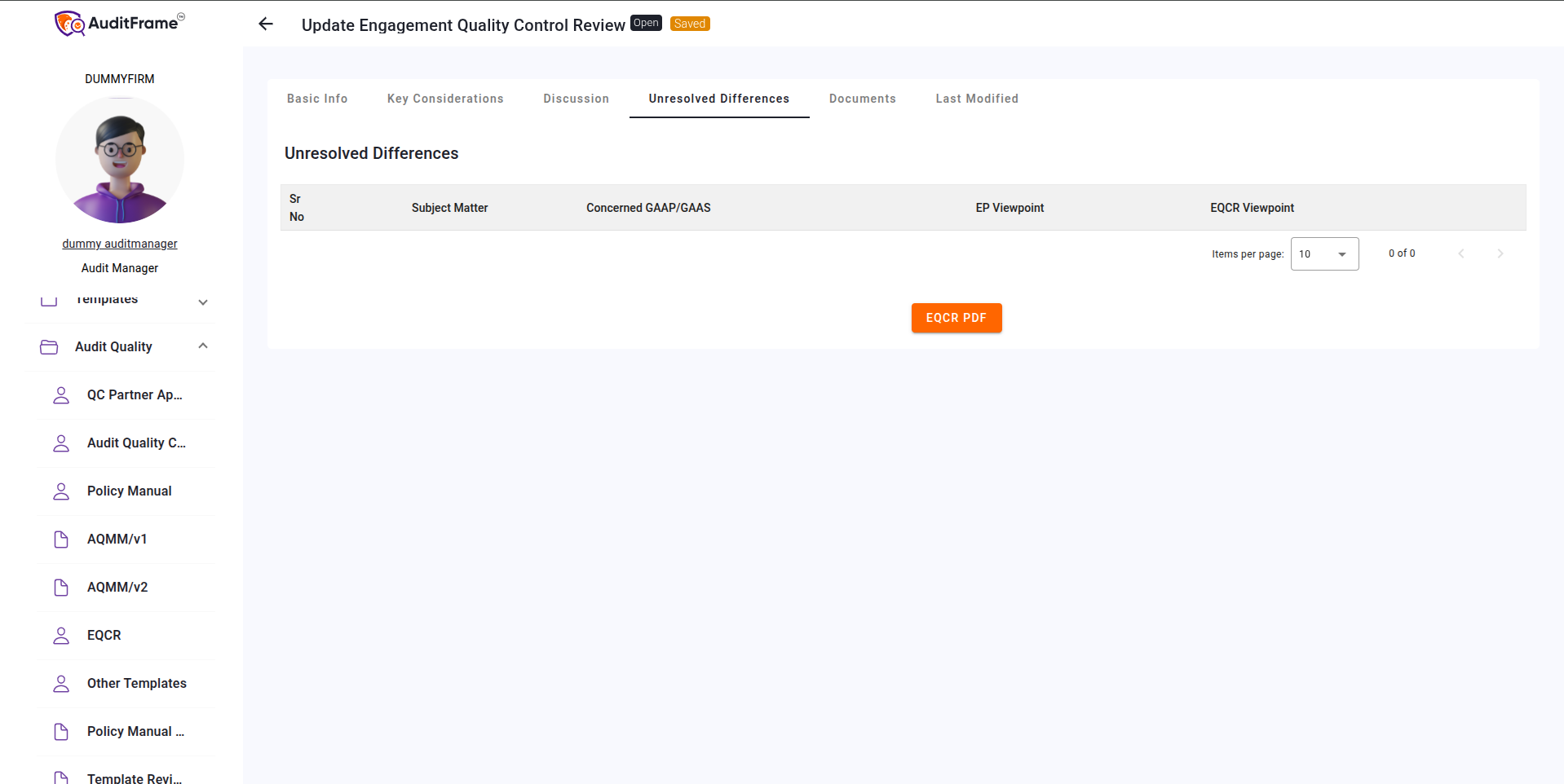
Unresolved Differences
Documents
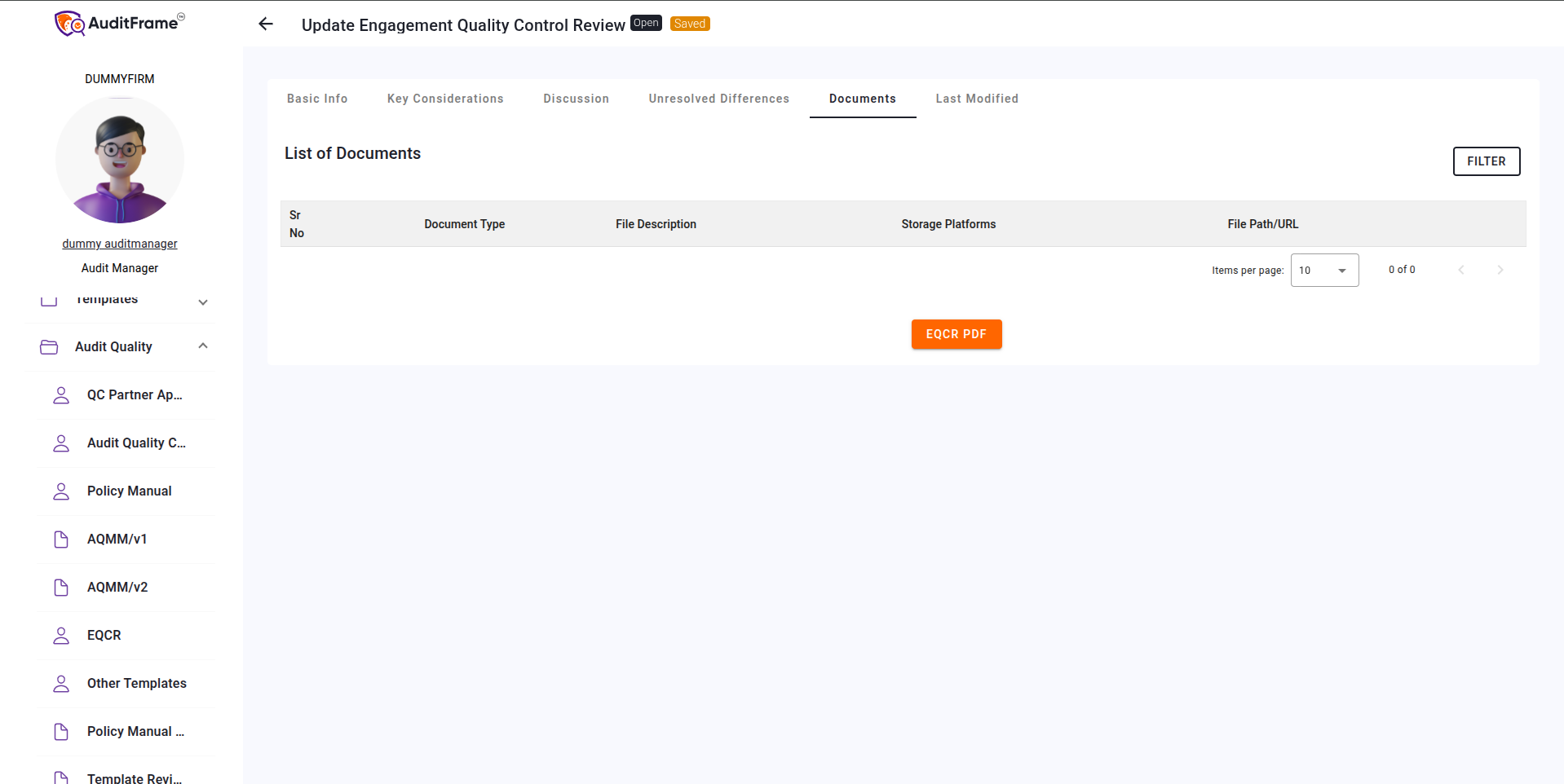
Generating PDF
You can generate a PDF of the Engagement Quality Charter Review by clicking the EQCR PDF button.
Error You May Get
| Error Message | Remedial Action |
|---|---|
| Audit File Engagement Partner and EQC Reviewer cannot be the same | Assign a different person as EQC Reviewer; it cannot be the same as the Engagement Partner. |
| EQC Reviewer is Mandatory | Select an EQC Reviewer before proceeding. |
| Only EQC Reviewer Can Submit | Submission is restricted to the assigned EQC Reviewer. Confirm role before submitting. |
| EQC Review Date is Mandatory | Fill in the EQC Review Date field before submission. |
| EQC Review Date should not be later than Audit Report signing date | Ensure the EQC Review Date is on or before the Audit Report signing date. |
| Key Considerations Table is Mandatory | Complete and include the Key Considerations Table before submission. |
| File URL must start with 'https://' for storage platforms other than LAN. | Update the File URL to begin with 'https://' for external storage systems. |
| All rows in the key consideration table should be checked as OK | Mark all rows in the Key Considerations Table as "OK" before proceeding. |